Account Setup & Onboarding
When you first sign in to Zero0, an onboarding wizard guides you through connecting your tools and configuring your workspace. The wizard adapts based on whether you use a tracker (Jira or Azure DevOps) or prefer a standalone setup.
Signing Up
- Navigate to Zero0 and click Sign Up
- Create your account with your email address
- Verify your email and sign in
- You'll be redirected to the onboarding wizard
Choosing Your Mode
The first step of the onboarding wizard asks you to select a mode:
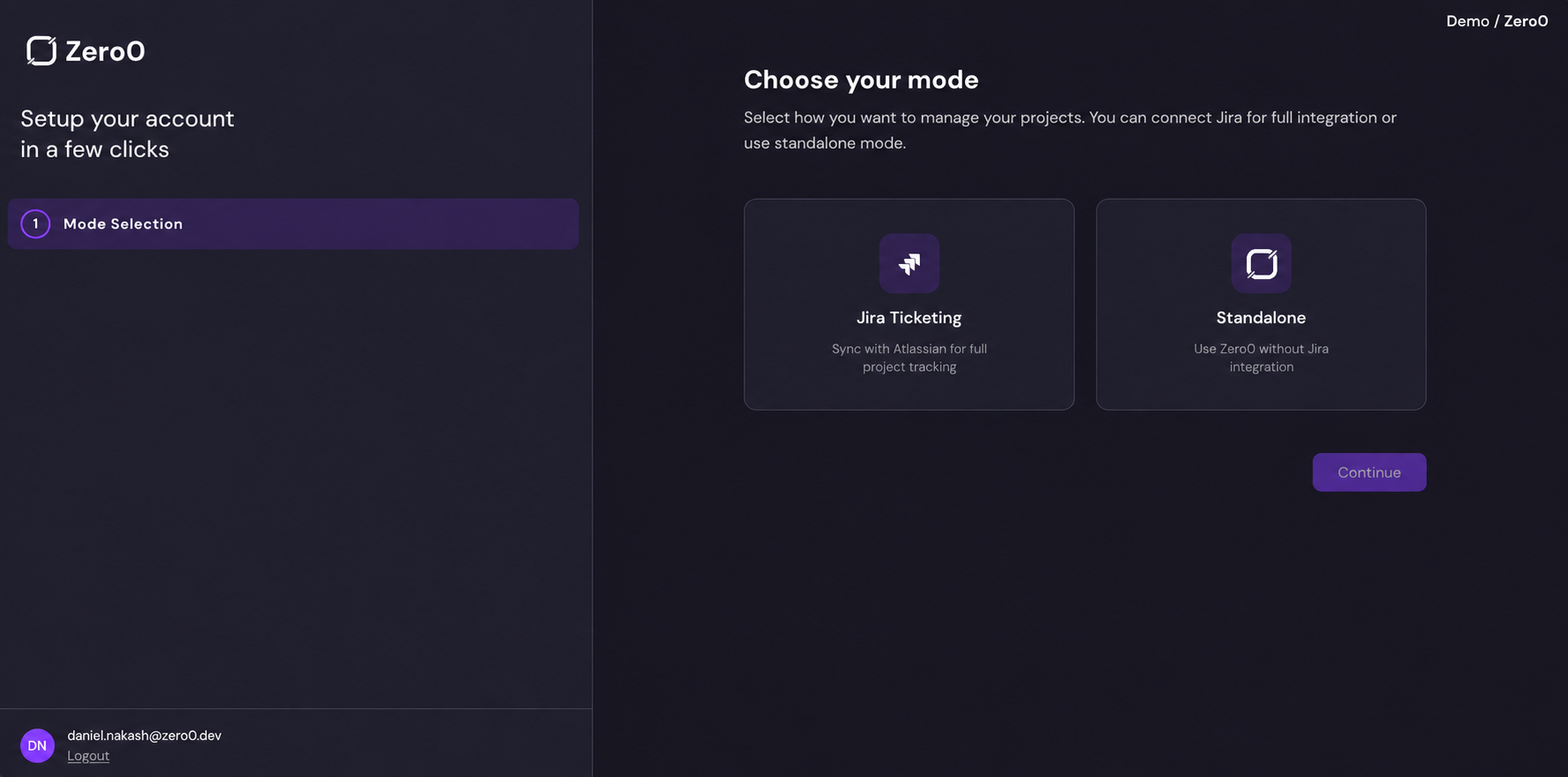
Jira Ticketing
Choose this if your team already uses Jira as a ticketing system. This mode syncs work items between Jira and Zero0, letting you trigger AI execution on stories from your existing Jira backlog.
Onboarding steps:
- Choose your VCS provider (GitHub, GitLab, or Bitbucket)
- Connect your VCS provider
- Connect Jira (OAuth)
- Configure Jira webhook
- Add Jira statuses
- Name your levels
- Connect Slack or Microsoft Teams (optional)
Follow the Jira Ticketing onboarding guide →
Azure DevOps Boards
Choose this if your team uses Azure DevOps Boards (cloud, dev.azure.com) to track work. This mode syncs work items between Azure DevOps and Zero0.
Onboarding steps:
- Choose your VCS provider (GitHub, GitLab, or Bitbucket)
- Connect your VCS provider
- Connect Azure DevOps
- Choose your organisation and projects
- Review the status mapping
- Name your levels
- Connect Slack or Microsoft Teams (optional)
Follow the Azure DevOps onboarding guide →
Standalone
Choose this if you want to use Zero0 without a tracker (Jira or Azure DevOps). You'll create and manage stories directly on the Zero0 Board.
Onboarding steps:
- Choose your VCS provider (GitHub, GitLab, or Bitbucket)
- Connect your VCS provider
- Name your levels
- Connect Slack or Microsoft Teams (optional)
Follow the Standalone onboarding guide →
:::tip Which mode should I choose? If you're evaluating Zero0 or your team doesn't use a tracker, start with Standalone. You can always connect your tracker (Jira or Azure DevOps) later in Settings. If your team already has an active backlog you want to automate, choose Jira Ticketing or Azure DevOps Boards, depending on your tracker. :::
Next Steps
With your account configured, continue to Connecting Integrations for a deeper dive into each integration, or jump to Creating Your First AI Story to start using the platform.